




Smart homes are often associated with lights, thermostats, and speakers. But in reality, the real foundation of a smart home is computing.
Every connected system-from cloud storage to automation dashboards-runs through a central device.
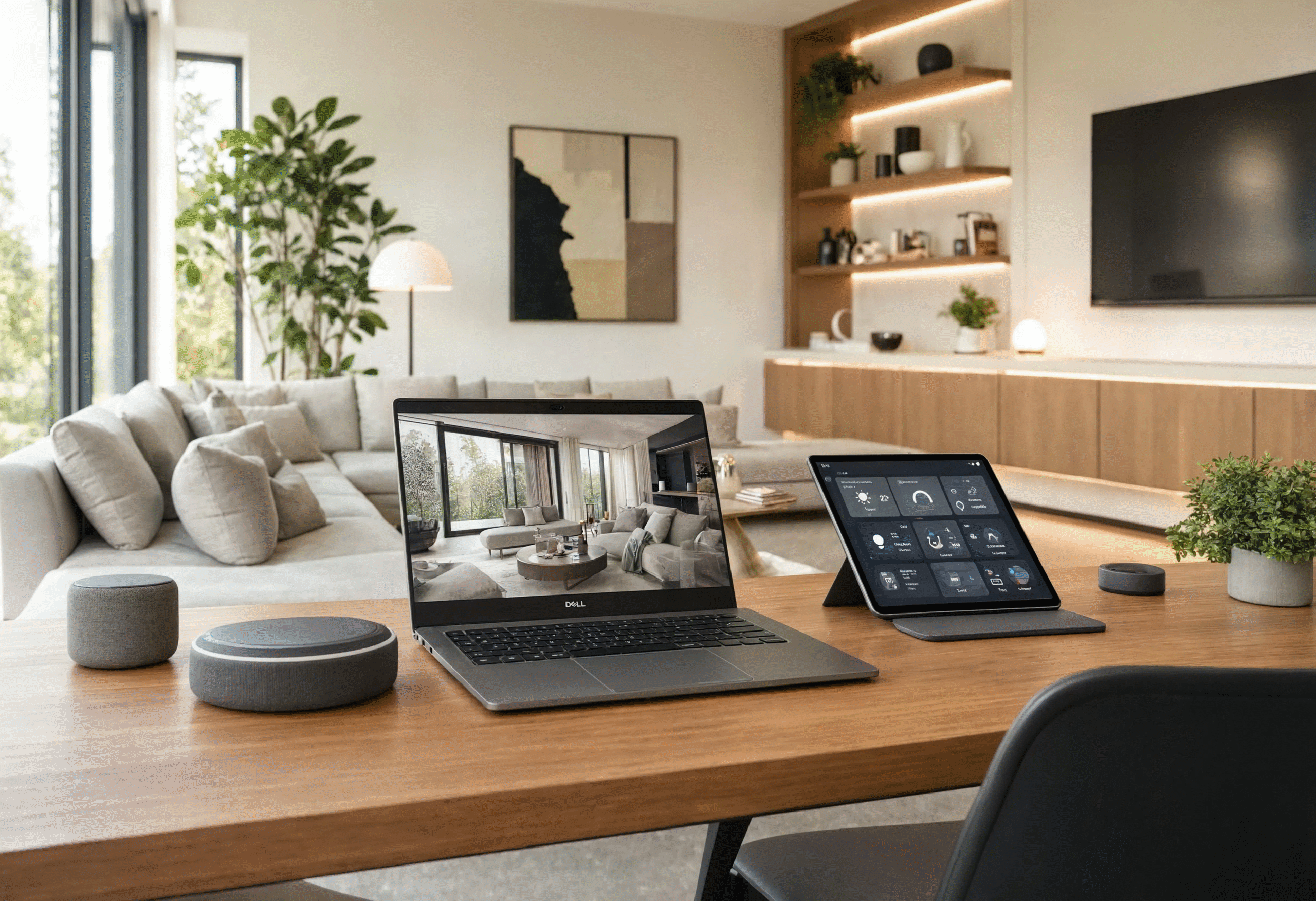
In many modern homes, that role is filled by systems from Dell, which serve as the digital backbone of productivity, entertainment, and control.
The Shift From Devices to Ecosystems
A decade ago, computers were standalone tools.
Today, they are part of a connected ecosystem that includes:
- Phones
- Cloud storage
- Smart home devices
- Streaming platforms
- Remote work tools
Your laptop or desktop is no longer just a device-it is the control center.
The Laptop as the Smart Home Hub
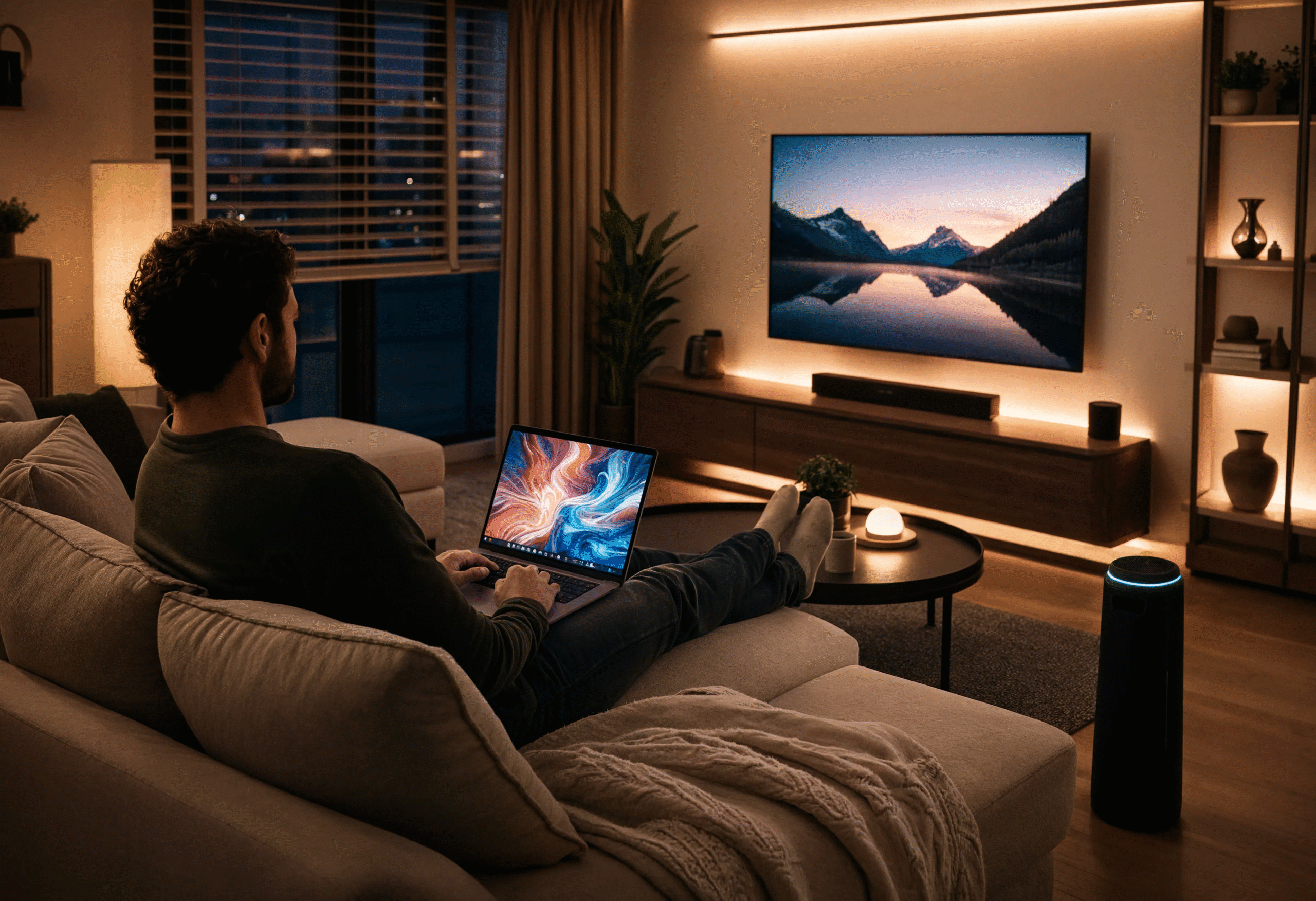
A modern laptop is often the most important device in the home.
It connects:
- Work platforms (Zoom, Teams, Slack)
- Cloud storage (Google Drive, OneDrive)
- Smart home dashboards
- Entertainment systems
Rather than controlling one function, it connects everything.
Building a Connected Workspace at Home
A smart home workspace is built on integration, not hardware alone.
Step 1: Central Device
A Dell laptop or desktop acts as the hub.
Step 2: Expansion Layer
Add monitors, docks, and peripherals.
Step 3: Cloud Layer
Sync everything across devices.
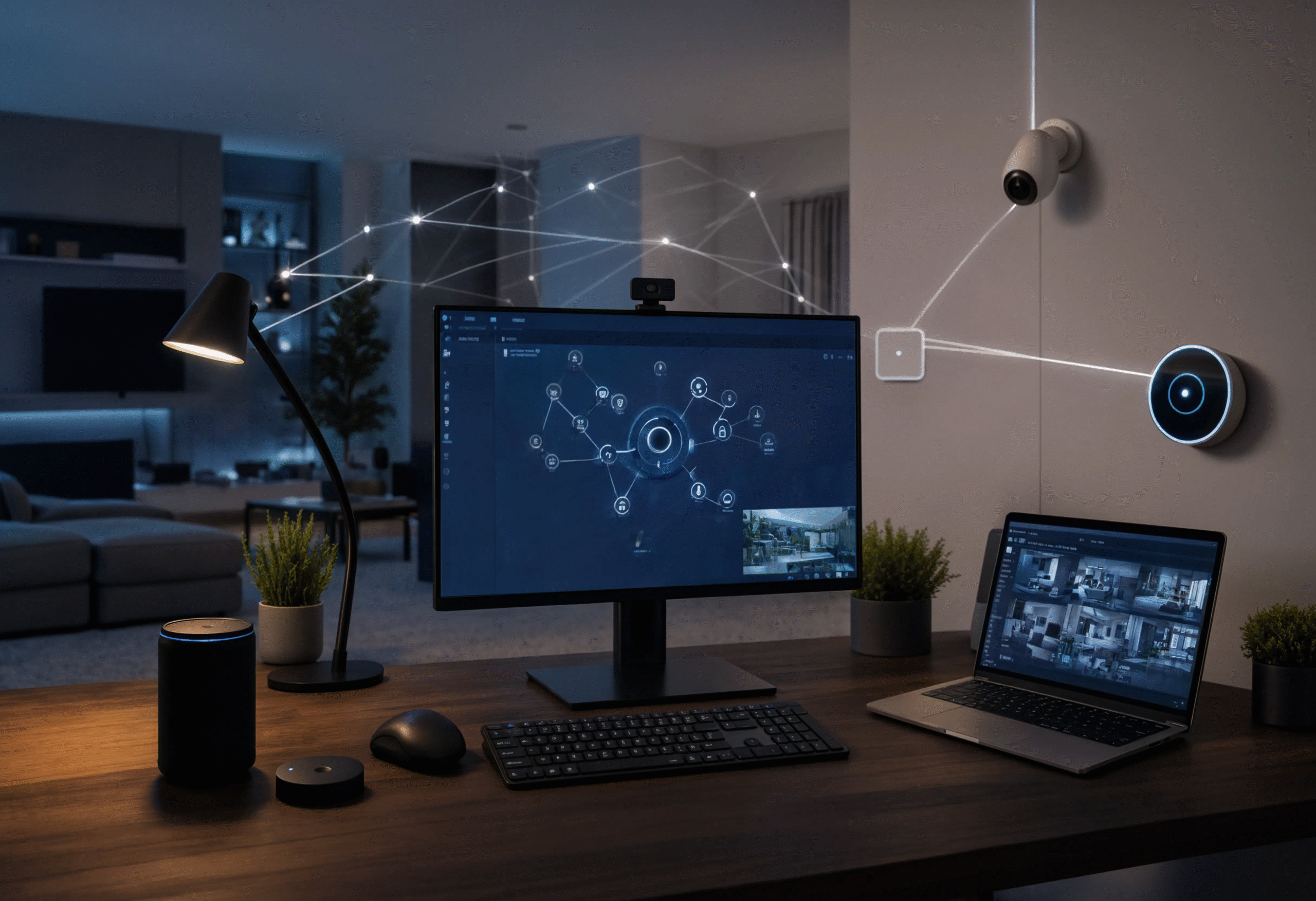
Example Setup:
- Dell laptop (primary device)
- Dual monitors
- Docking station
- Wireless peripherals
- Cloud storage integration
This creates a seamless workflow where one device controls everything.
Smart Automation in Daily Workflows
Modern computing setups allow automation such as:
- Auto backup of files every night
- Scheduled system updates
- Cloud sync between devices
- Remote access from mobile devices
These small automations reduce friction and save time daily.
Entertainment as Part of the Smart Ecosystem
A smart home is not only about productivity.
Dell systems support:
- 4K streaming setups
- Gaming via Alienware systems
- Multi-screen entertainment setups
- Shared family media environments
This turns a workstation into a full entertainment hub.
Energy Efficiency and Intelligent Power Use
Modern systems are also designed to optimize energy usage.
Features include:
- Adaptive performance scaling
- Sleep mode automation
- Power-efficient processors
- Remote shutdown tools
This contributes to lower energy consumption over time.
Final Thoughts
A smart home is not defined by individual devices—it is defined by how well those devices work together. Dell systems serve as the digital backbone that connects productivity, entertainment, and automation into one unified experience.